
Table of Contents
Introduction
Operators in Java are special symbols used to perform operations on variables and values. They allow Java programs to do calculations, compare values, make decisions, and combine conditions. Without operators, writing meaningful Java programs would not be possible.
Whether you are performing arithmetic calculations, checking conditions in an if statement, or assigning values to variables, operators play a vital role. Understanding operators is essential before moving on to control statements, loops, and advanced Java concepts.
In this article, you will learn what operators are in Java, their different types, simple examples, and how they are used in real programs.
What Is an Operator in Java?
An operator is a symbol that performs a specific operation on one or more operands. Operands can be variables, values, or expressions.
Example:
int result = 10 + 5;Here:
+is the operator10and5are operands
Types of Operators in Java
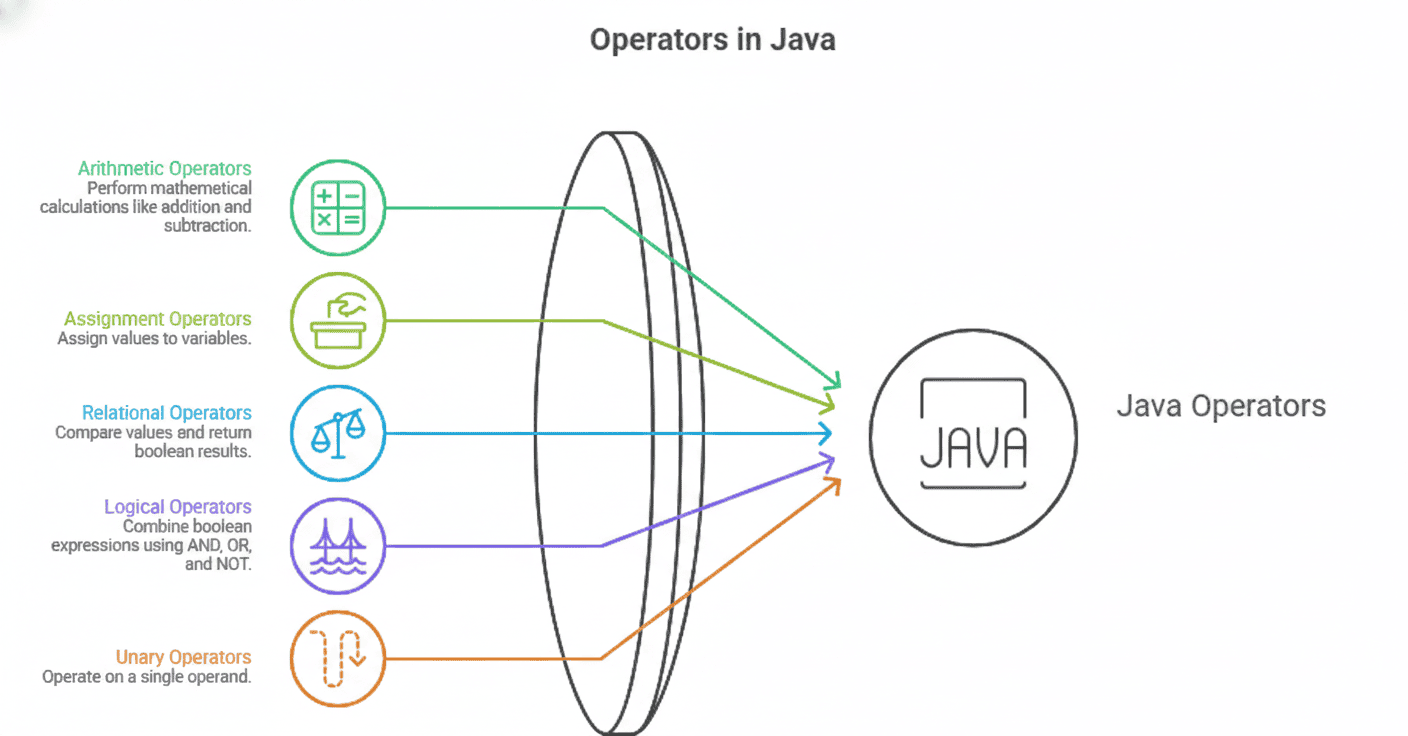
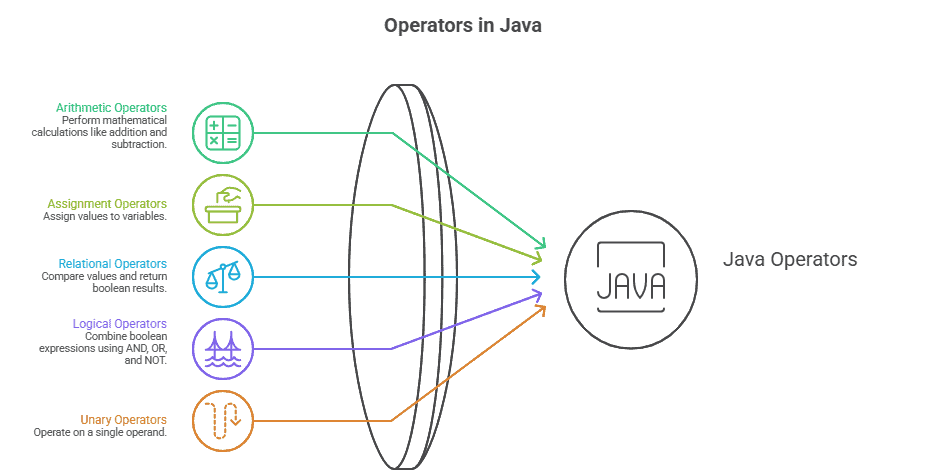
Java operators are broadly divided into the following categories:
- Arithmetic Operators
- Assignment Operators
- Relational Operators
- Logical Operators
- Unary Operators
1. Arithmetic Operators
Arithmetic operators are used to perform mathematical calculations.
| Operator | Description |
|---|---|
| + | Addition |
| – | Subtraction |
| * | Multiplication |
| / | Division |
| % | Modulus |
Example:
int a = 10;
int b = 3;

System.out.println(a + b);
System.out.println(a % b);
Arithmetic operators are commonly used in calculations, loops, and formulas.
2. Assignment Operators
Assignment operators are used to assign values to variables.
| Operator | Example |
|---|---|
| = | a = 10 |
| += | a += 5 |
| -= | a -= 3 |
| *= | a *= 2 |
| /= | a /= 2 |
Example:
int x = 5;
x += 3;  // x becomes 8
Assignment operators make code shorter and easier to read.
3. Relational Operators
Relational operators are used to compare two values. The result is always a boolean value (true or false).
| Operator | Description |
|---|---|
| == | Equal to |
| != | Not equal |
| > | Greater than |
| < | Less than |
| >= | Greater than or equal |
| <= | Less than or equal |
Example:
int a = 10;
int b = 20;

System.out.println(a < b);
Relational operators are widely used in conditions and loops.
4. Logical Operators
Logical operators are used to combine multiple conditions.
| Operator | Description |
|---|---|
| && | Logical AND |
| ! | Logical NOT |
Example:
int age = 25;

if (age > 18 && age < 60) {
    System.out.println("Valid age");
}
Truth Table (Important for Beginners)
Logical AND (&&)
| Condition 1 | Condition 2 | Result |
|---|---|---|
| true | true | true |
| true | false | false |
| false | true | false |
| false | false | false |
Logical OR (||)
| Condition 1 | Condition 2 | Result |
|---|---|---|
| true | true | true |
| true | false | true |
| false | true | true |
| false | false | false |
5. Unary Operators
Unary operators operate on a single operand.
| Operator | Description |
|---|---|
| + | Unary plus |
| – | Unary minus |
| ++ | Increment |
| — | Decrement |
| ! | Logical NOT |
Example:
int count = 5;
count++;
System.out.println(count);
Unary operators are commonly used in loops and counters.
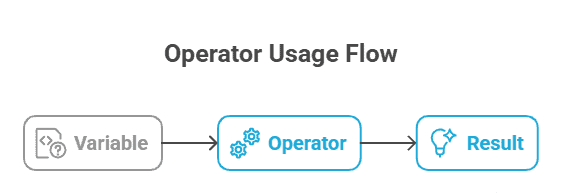
Diagram Idea
Why Operators Are Important in Java?
Operators help Java programs:
- Perform calculations
- Make decisions
- Compare values
- Control program flow
- Write compact and readable code
Without operators, Java would not be able to process logic or data efficiently.
Common Beginner Mistakes
- Confusing
=with== - Forgetting operator precedence
- Misusing logical operators
- Using
==to compare strings instead of.equals()
Avoiding these mistakes improves code correctness.
Key Takeaways
- Operators perform actions on values and variables.
- Java has arithmetic, assignment, relational, logical, and unary operators.
- Relational operators return boolean results.
- Logical operators are used to combine conditions.
- Understanding operators is essential for decision-making in Java.
Java Interview Questions – Operators in Java
1. What are operators in Java?
Operators are symbols used to perform operations on variables and values.
2. What is the difference between = and ==?= assigns a value, while == compares two values.
3. What is the result of logical operators?
Logical operators always return boolean values.
4. Which operator is used for modulus?
The % operator is used for modulus.
5. What is operator precedence?
Operator precedence defines the order in which operators are evaluated.
What’s Next?
Now that you understand operators in Java, the next step is to control program flow and write decision-making logic.
Control Statements in Java
Learn if, else, switch, and loops with simple examples.
Methods in Java
Understand how to write reusable code using methods.