


Table of Contents
Introduction
When writing Java programs, you often need to store multiple values of the same type. Writing separate variables for each value quickly becomes messy and inefficient. This is where arrays become useful.
An array in Java allows you to store many values inside a single variable, making programs cleaner and easier to manage. Arrays are one of the most important core concepts in Java and are widely used in real applications as well as interviews.
In this article, we’ll understand arrays in a simple, beginner-friendly way, using easy examples and clear explanations.
What Is an Array in Java?
An array is a collection of similar data types stored in a continuous memory location.
In simple words, an array stores multiple values under one variable name.
Instead of creating many variables, arrays help you manage data efficiently.
Why Do We Need Arrays?
Arrays help:
- Store multiple values efficiently
- Reduce code length
- Improve readability
- Make looping easier
- Organize data logically
Without arrays, handling large data sets becomes very difficult.
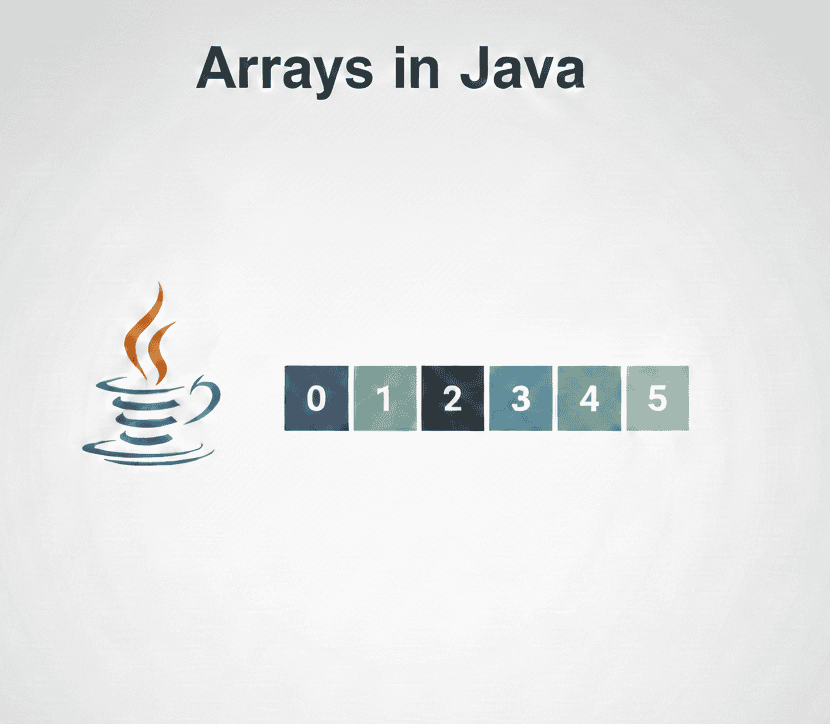
Array Memory Representation in Java
Index:   0    1    2    3
Array: [10] [20] [30] [40]
Declaring an Array in Java
Syntax:
dataType[] arrayName;Example:
int[] numbers;This only declares the array. Memory is not allocated yet.
Creating and Initializing an Array
Using new keyword:
int[] numbers = new int[5];
Initializing values:
int[] numbers = {10, 20, 30, 40, 50};Java automatically assigns indexes starting from 0.
Accessing Array Elements
Array elements are accessed using their index.
int[] numbers = {10, 20, 30};

System.out.println(numbers[0]); // 10
System.out.println(numbers[2]); // 30
Array Indexing in Java
numbers[0] → 10
numbers[1] → 20
numbers[2] → 30
Looping Through an Array
Using for loop:
int[] numbers = {10, 20, 30, 40};

for(int i = 0; i < numbers.length; i++) {
    System.out.println(numbers[i]);
}
Using enhanced for-each loop:
for(int num : numbers) {
    System.out.println(num);
}
Array Length in Java
Java provides a built-in property called length.
int size = numbers.length;This helps avoid ArrayIndexOutOfBoundsException.
Types of Arrays in Java
One-Dimensional Array
Stores values in a single row.
int[] marks = {80, 85, 90};Two-Dimensional Array
Stores values in rows and columns.
int[][] matrix = {
    {1, 2},
    {3, 4}
};
2D Array Representation
[1][2]
[3][4]
Common Array Errors
ArrayIndexOutOfBoundsException
Occurs when accessing an invalid index.
int[] arr = {1, 2, 3};
System.out.println(arr[5]);
Always ensure index is within 0 to length-1.
Advantages of Arrays
- Easy data storage
- Fast access using index
- Works well with loops
- Memory efficient
Limitations of Arrays
- Fixed size
- Can store only same data type
- Insertion and deletion are difficult
These limitations are handled using collections (covered later).
Key Takeaways
- Arrays store multiple values in a single variable.
- Indexing starts from 0 in Java.
- Arrays have fixed size.
- Use loops to process arrays efficiently.
- Java provides one-dimensional and multi-dimensional arrays.
Java Interview Questions – Arrays
1. What is an array in Java?
A collection of similar data types stored in continuous memory.
2. What is the default value of an int array?
0 for all elements.
3. Can arrays store different data types?
No, arrays store only one data type.
4. What is array length?
A property that gives total number of elements.
5. Difference between array and ArrayList?
Array has fixed size, ArrayList is dynamic.
6. Can array size be changed in Java?
No, array size is fixed once created.
7. Are arrays objects in Java?
Yes, arrays are objects.
8. Can we store objects in arrays?
Yes, object references can be stored.
What’s Next?
Now that you understand arrays, the next important concept is strings, which are heavily used in Java applications.
Strings in Java
Learn string creation, immutability, and commonly used string methods.